Selector Pills
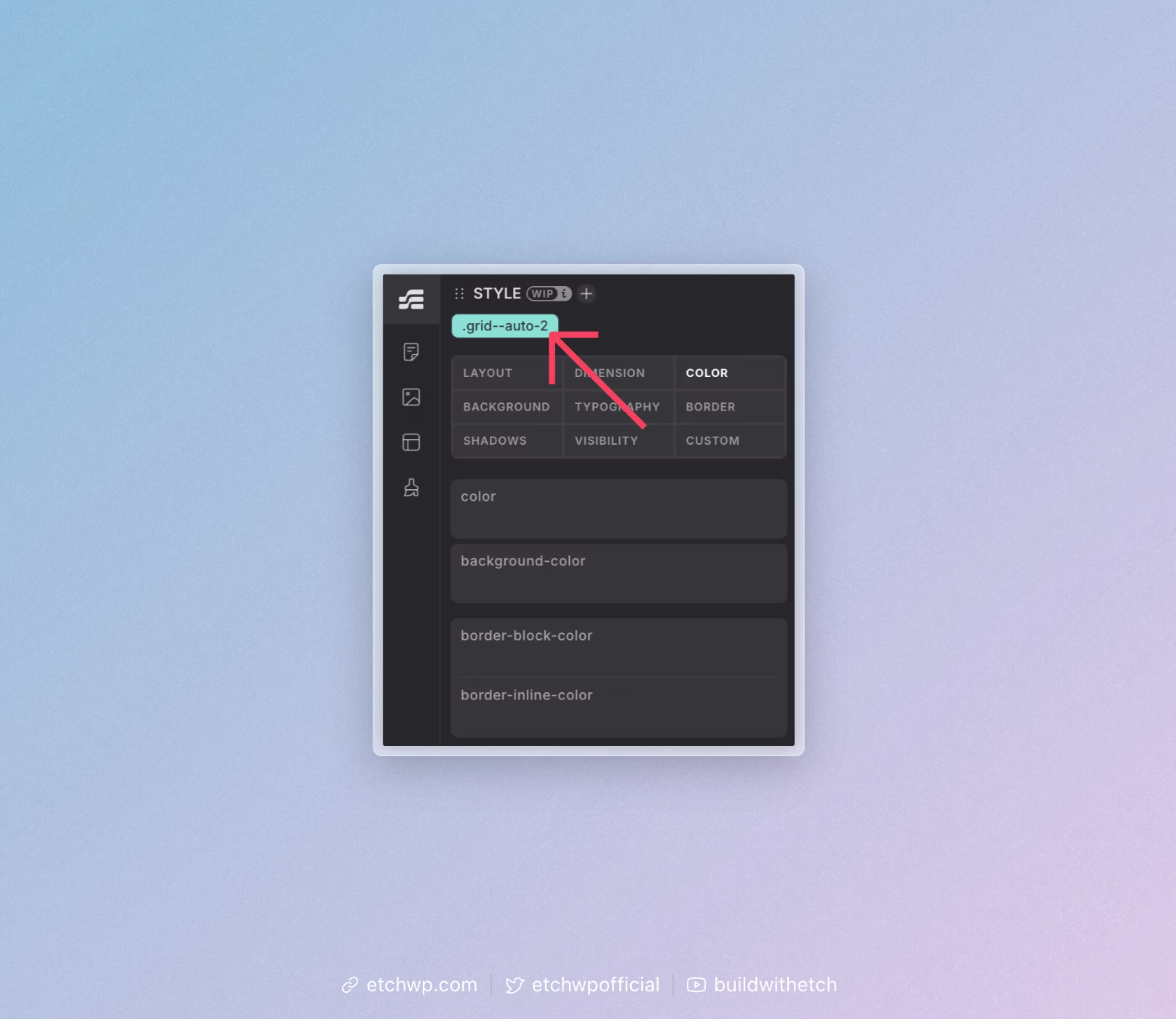
Any time you add a valid selector in Etch, that selector will show up as a selector pill on that element in the CSS Editor.
Whenever the pill for a selector is selected, styles you add will be applied to that selector. Styles can be added with the CSS Editor.
You can rename selectors by double clicking the pill or by opening the Style Manager and editing the selector.
You can remove selectors from an element by clicking the "X" icon when hovering the pill. Note that this is only possible with manually added selectors.
Complex selectors like {.my-section h1} are not removable from the elements they apply to because they're a literal CSS rule you've created that is either true or false. Read more later in this doc.
You can delete selectors by right clicking the pill and choosing "Delete" or by opening the Style Manager and clicking the Delete icon on the selector you want to delete. Both of these actions remove the selector from the database.
Removing Complex Selectors
Complex selectors like {.my-section h1} are not removable from the elements they apply to because they're a literal CSS rule you've created that is either true or false.
If you want the rule to stop applying to a specific element, you need to edit your selector to exclude it. For example, change the selector to:
{.my-section h1:not(.special-heading)}
Now when you select .special-heading you won't see the pill, because the rule no longer applies to that heading.
If you want to delete the rule entirely, delete the selector by right clicking and choosing Delete or by deleting it from the Styles Manager.
"Help! I added a selector, but I don't see the pill!"
If you tried to add a class to an element and you don't see the selector pill, it's possible that you forgot to type the "." -- double check!
If you added a complex selector and don't see the pill, it's likely because the selector is incorrect or you're not selecting the element that the selector actually selects (that's a mouthful).
For example, let's say you have a section element selected and you type this in the selector bar:
{.my-section h1}
You will not see the pill for this selector on the .my-section element! Why? Because the CSS is not selecting the section element. If you click on the H1 that's in the section, you'll see the pill attached to the H1. Why? Because that's the element that's being selected -- that's where the styles apply.
Etch's selector system is intelligent -- it knows what's actually being selected and places the pill on that element(s).