How to Set Content Width
Automatic.css users do not need to do follow this tutorial. ACSS sets and manages your content width and you can adjust it in the ACSS dashboard.
Etch sets the max-width of Container elements to var(--content-width) by default with a fallback value of 1366px. This is why the Container element (which is added to Sections by default) is 1366px out of the box.
Since this default is set with a fallback value in an undefined variable, it has zero effect on your preferences should you want to set a different value.
So let's talk about setting a different value!
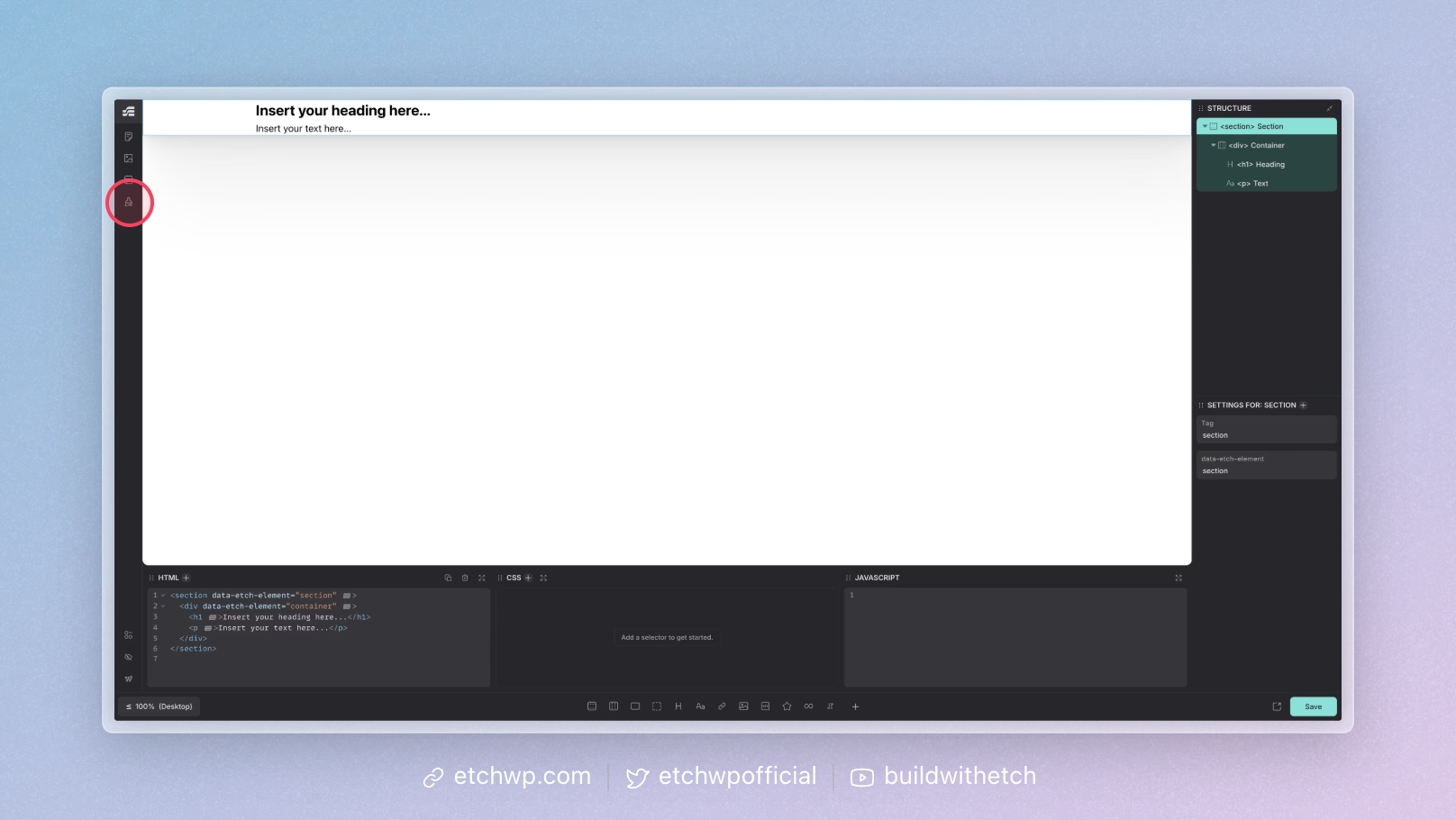
All you have to do to set your own custom content width is open the Style Manager by clicking the paint brush icon in the sidebar:
Once the style manager is open, switch to the Variables Manager tab and then add this variable:
--content-width: 1280px;
That's it! Now all your Container elements will be your new desired width.