Elements Bar
Adding elements to your page in Etch is as simple as adding elements in traditional page builders. You don't have to write code to add elements – just click the icon for the element you want in the Elements Bar at the bottom of the interface and it'll appear on the canvas.
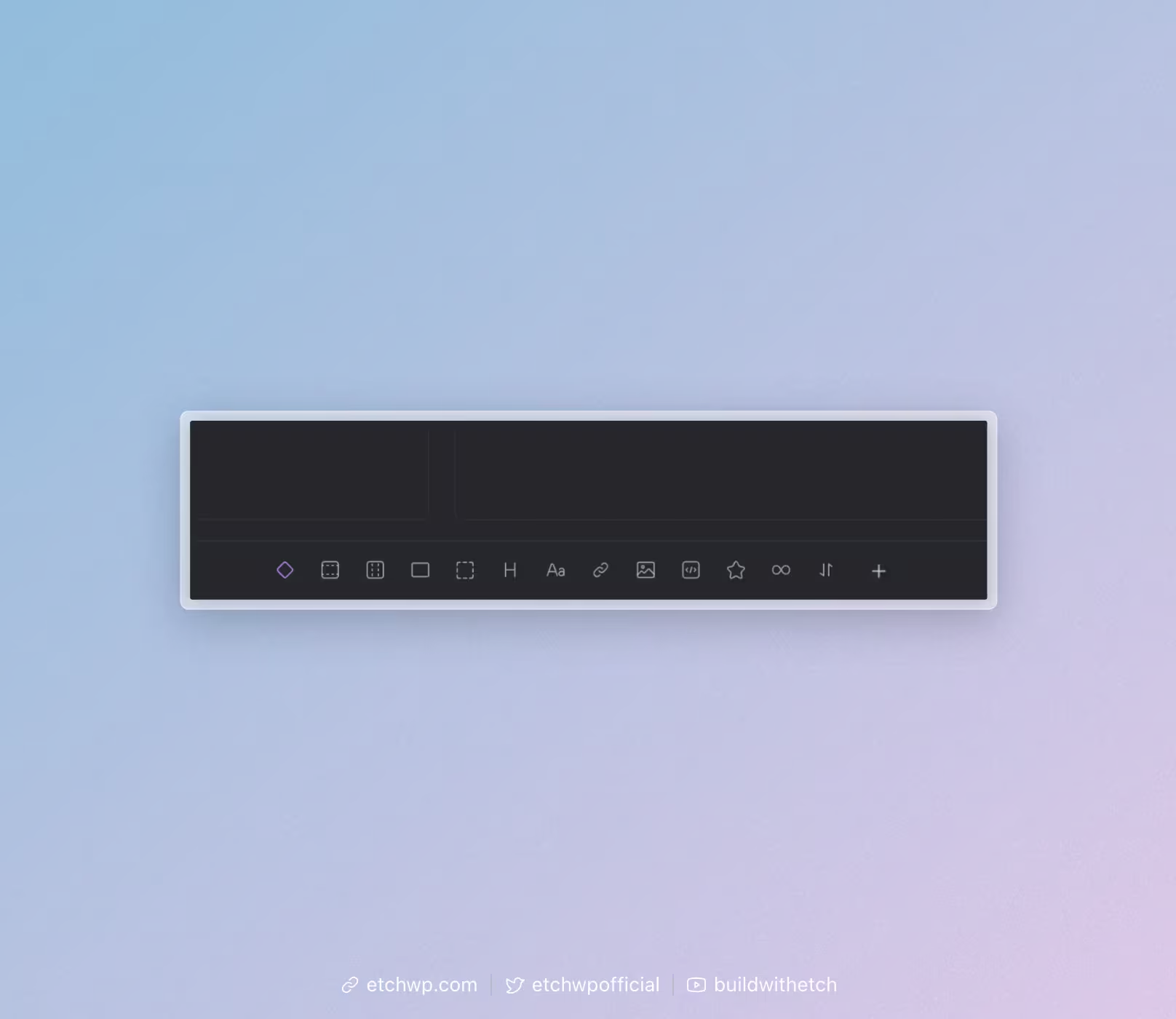
If you have the HTML editor open, you'll see Etch write the HTML for you, but having the HTML panel open is not required.
By default, elements will get added as a child element of whatever is currently selected on the canvas or structure panel except when the currently selected element does not accept children.
If you want to add an element as a sibling of another element, you can hold Cmd+Click (Mac) or Ctrl+Click (Windows/Linux) and then click on the element you want to add.
The exception to this rule is the section element. Sections are always top level elements and will always be added as a sibling of another element. If you need to force a section to be a child of another element, hold Cmd+Click (Mac) or Ctrl+Click (Windows/Linux) to force the section to be added as a child. The behavior here is opposite of all other elements due to the common use case for sections.
What if I don't see an element I need?
Etch's architecture allows for element transmutation. This means that any element can become any other element.
Let's use the "text" element as an example. If you add a text element to the page, it adds it as a paragraph.
If you need that text to be a span or an li, you can simply change the HTML tags and you'll end up with the element you need.
The same is true for heading levels. By default, Etch will add headings as an h2 since this is the most common heading level in page building. But once you've added a heading you can easily edit the tag to be any other heading level.
This keeps the elements panel clean and simple without limiting what you're able to build.
You can change the tag without editing code by editing the tag in the structure panel or the attributes panel. Of course, you can always edit the element tag in the HTML editor as well.
There are no limitations to what elements you can add. Even custom elements like my-box are accepted, though you need to make sure you follow the HTML spec when creating custom elements.
Are more elements coming?
Yes, more elements are coming, including dynamic elements:
- Carousel
- Slider
- Accordion
- Menu
- Toggle
- Hamburger
- Tabs
- and many more...
These will be prebuilt components with full accessibility in mind. This will make your life much easier and faster as you work with Etch, especially if you're a beginner, but won't be black box elements like traditional page builders. This ensures that you can work faster, but without limitations.