Creating a Component
Ready to create your first component in Etch? It's super easy!
1. Create a static version of your component
Before you actually create a component, you should build the thing that you'll eventually turn into a component. For example, if you're going to build a header component, just build a header first. You can make it a component when you're done.
Building a static version of the component is the easiest and quickest way to create new components.
2. Click "Create Component"
Once your static version is ready, right click it in the structure panel (whatever the parent element is) and choose "Create Component" from the context menu.
This will take you into the component editor. You'll know you're in the component editor because everything will be purple and you'll see the "Component Editor" panel in the interface (though it won't have any props yet).
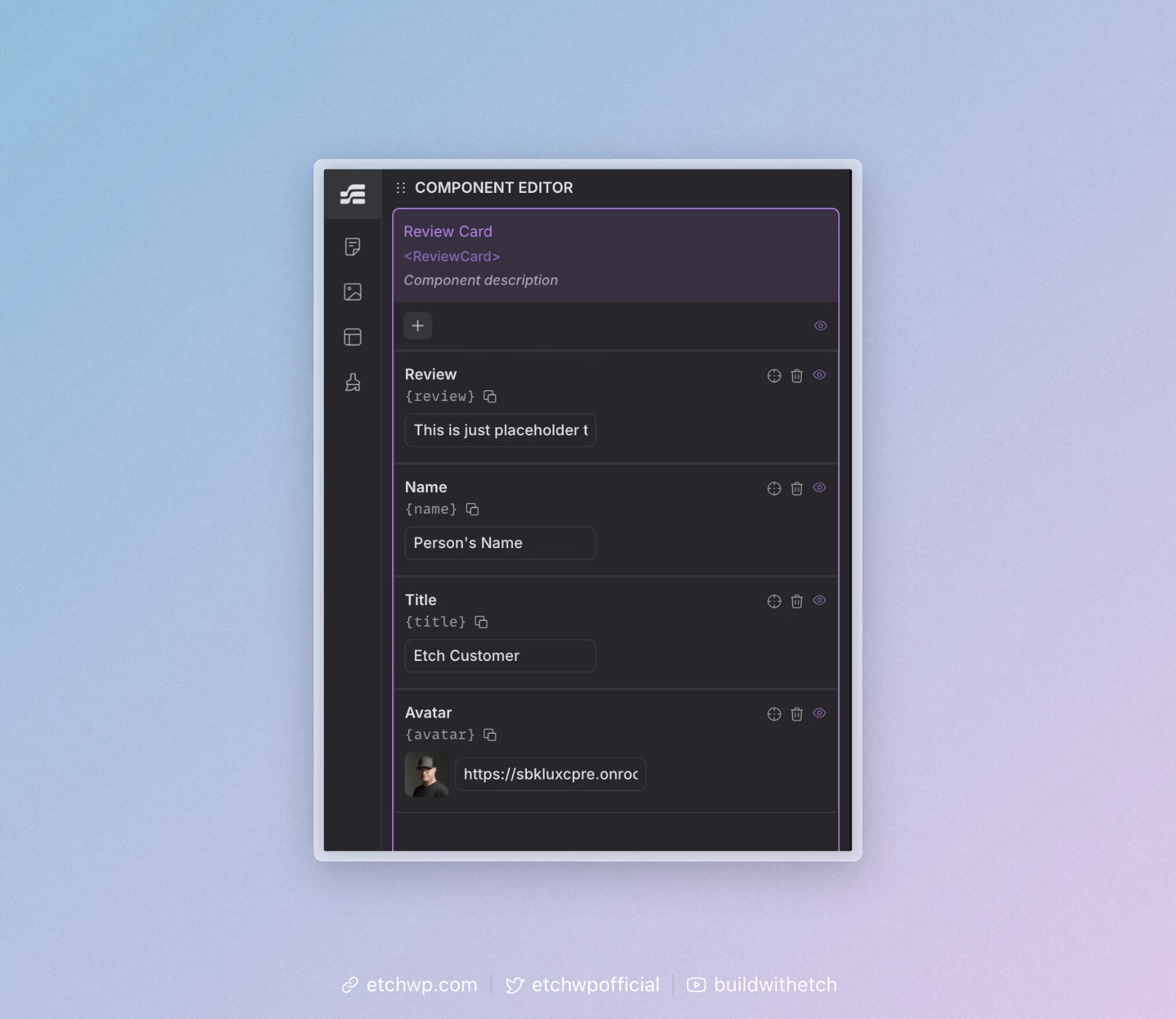
3. Name Your Component
If you named the parent element in the structure panel (like the fantastic developer you are) then the component will already be named exactly what you wanted it to be named.
If you didn't name your structure panel elements (shame!), then you can double click the component label and edit it.
4. Create your props (if needed)
Not all components need props. If your component doesn't need props, skip to the next step. If it does, reference Creating Component Props.
5. Save your component
Your component is not a component until you hit the purple "Save" button at the bottom right of the interface when in the component editor.
Once you've saved your component, you can then hit the "Exit" button. If you hit "Exit" before saving, you'll abandon the component creation process (helpful if you change your mind about creating a component).
The reason "Save" doesn't close the component editor is because it's common to want to save progress when building a component without being evicted from the component editor. If you want or need to exit, just click "Exit."
Component Best Practices
- Use descriptive names: Choose names that clearly indicate what the component is or does
- Keep components focused: Each component should have a single, clear purpose
- Make components maintainable: Components should have logical structures and maintainable styling (e.g. BEM and variable-first CSS)
- Make components flexible: Design components to work in different contexts
- Use props for customization: Instead of hardcoding values, use props to make components dynamic
Next Steps
Once you've created a component, you can: