Post Content
The Post Content tag pulls Gutenberg-based content into Etch. It's used almost exclusively when creating templates.
Instead of pulling Gutenberg's content into a template with a dynamic data tag like {this.content}, you should pull Gutenberg's content with Post Content {@post-content}.
When editing a template, you'll see the icon for the Post Content Slot in the Element Bar:
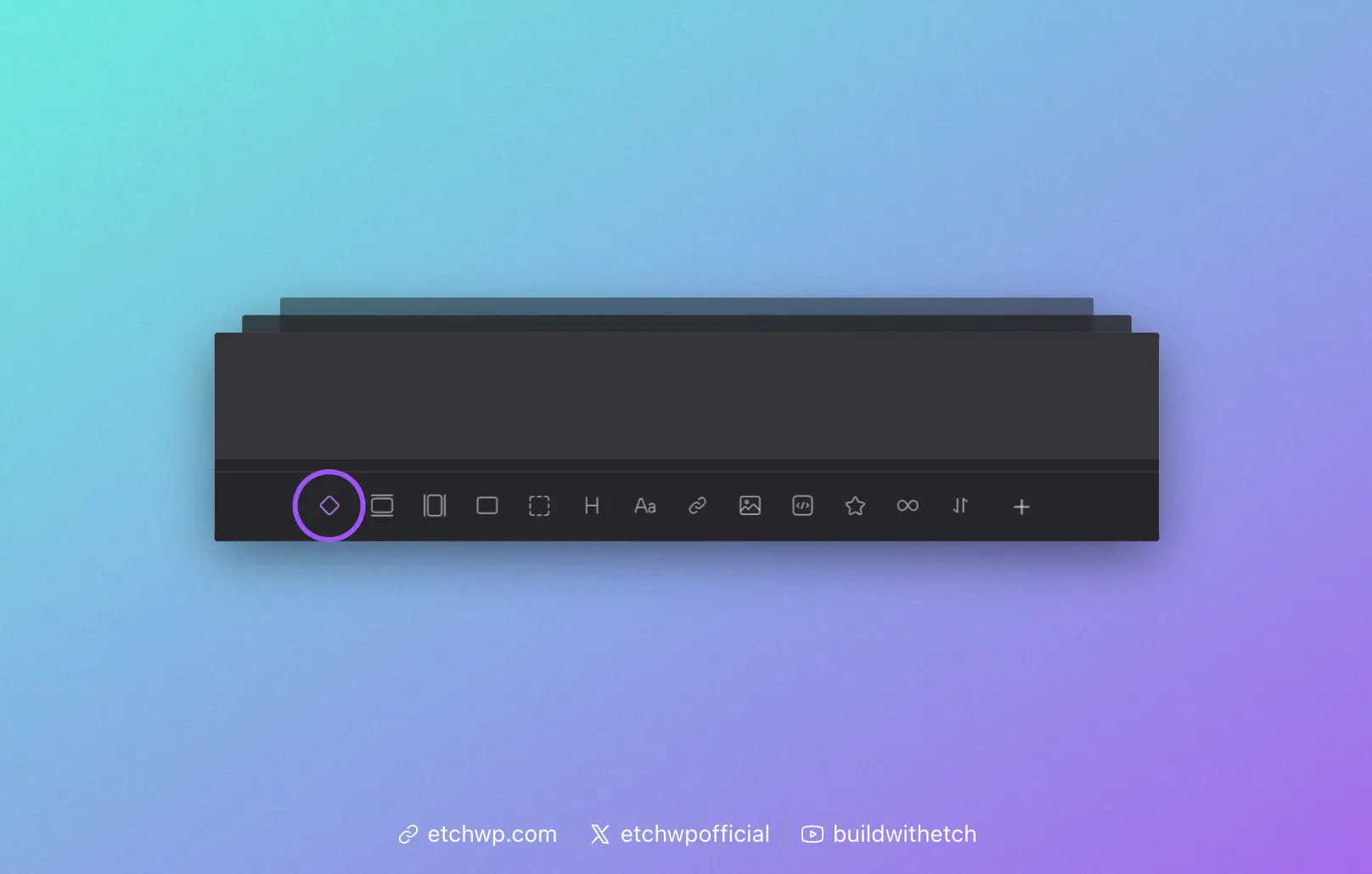
Click that icon and Etch will insert a Post Content Slot for you automatically.
Index Template
In your Index Template, Post Content usually goes inside of a main tag:
<main>
    {@post-content}
</main>
Blog Post Template
In your Blog Post Template, Post Content usually goes inside of a article tag:
<article>
    {@post-content}
</article>
It's your job as a developer to determine where the content should be appropriately injected into any given template based on the structure of that template.
The @post-content dynamic data tag is sometimes referred to as a "slot," but it's a specialized dynamic data tag that is not subject to slot logic the way other slots are. Don't try to use slot logic on this tag.